Tag: Hardware

Hardware

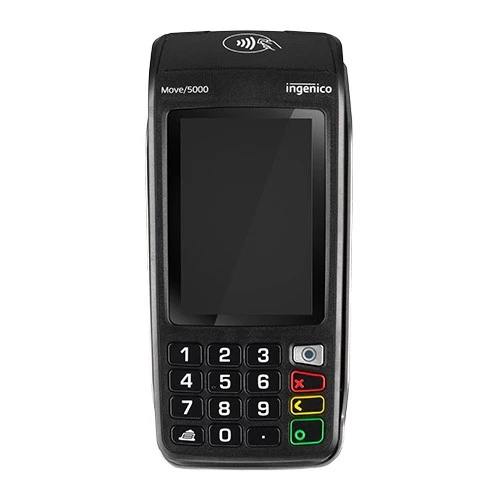
Ingenico Move/5000

The Ingenico Move/5000 EMV credit card device is a WiFi connected device used in conjunction with netPark’s Desktop Application and numerous iOS based applications including the netPark Mobile Valet Application (MVS) and the netPark Event Application. Device Overview The Ingenico Move/5000 features a 3.5″ Color Touchscreen, Accepts EMV chip & PIN, contactless/NFC (Apple Pay, Google Pay), and magstripe payments. It features a long-lasting rechargeable battery for full-shift operation and can operate plugged into it’s wired charger. It has multiple connectivity options, including 4G/LTE and Wi-Fi. Note: netPark currently support this devices connectivity in 4G/LTE and Wi-Fi only at this time. Ingenico Move/5000 Ingenico Move/5000 Ingenico Move/5000 Ingenico Move/5000 Ingenico Move/5000 Connecting the Move/5000 to Wifi & Activating Before activating the Move/5000 for processing, you’ll need to connect it to your network. Before beginning the steps below, make sure your Ingenico Move/5000 is plugged into it’s
Read More »
Hardware

MagTek DynaFlex II Go

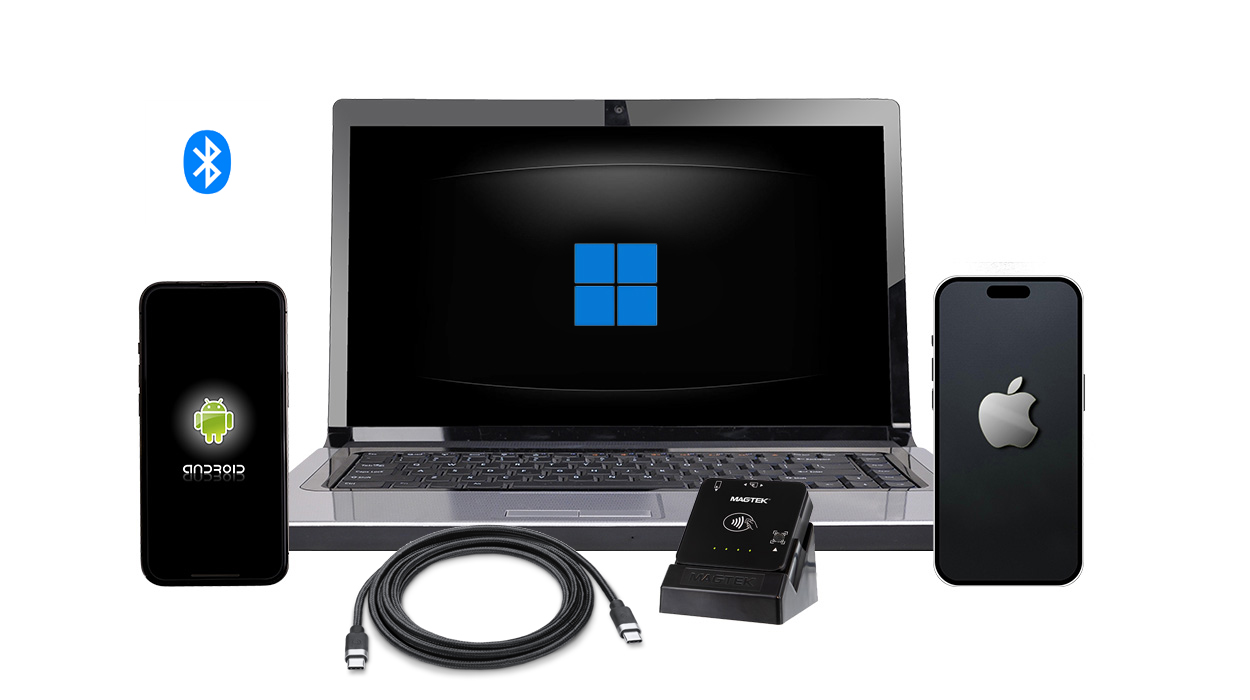
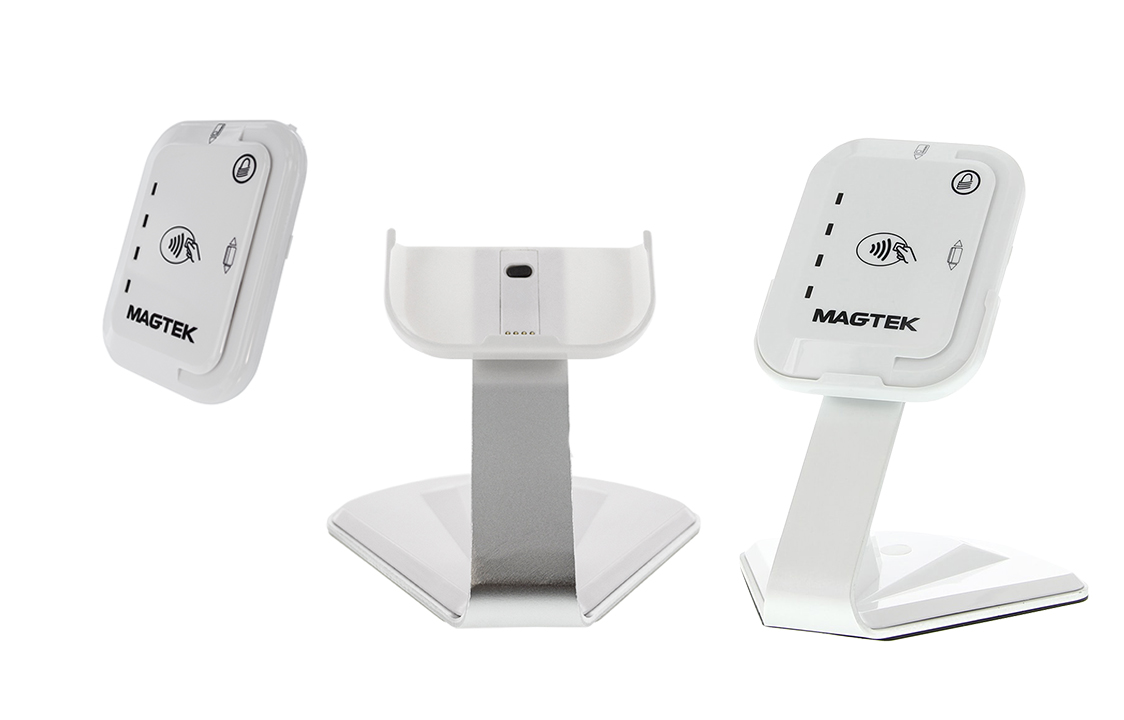
DynaFlex II Go is a secure card reader authenticator in a small form factor that is ready to accept tap, swipe, and dip transactions in a wide variety of payment and access control environments. The device is integrated for use within the netPark MVS App. Device Overview The DynaFlex II Go is extremely simple, including only a single button on the left hand side of the device which is used to power the device on and off, as well as putting it into Bluetooth Pairing mode. The DynaFlex II Go features a magnetic track swipe reader and EMV slot on the top of the device and supports NFC payments via contactless credit cards, Apple Pay and Google Pay via holding the card or device up to the front of the DynaFlex II Go unit. The DynaFlex II Go features 4 LED lights on the front of the

Read More »
Hardware

MagTek tDynamo

The MagTek tDynamo EMV credit card device is a Bluetooth connected device used in conjunction with netPark’s numerous iOS based applications including the netPark Mobile Valet Application (MVS) and the netPark Event Application. Device Overview The tDynamo device is extremely simple, including only a single button on the right hand side of the device which is used to power the device on and off, as well as putting it into Bluetooth Pairing mode. The tDynamo features a magnetic track swipe reader on the right side of the device, an EMV slot on the top of the device and supports NFC payments via contactless credit cards, Apple Pay and Google Pay via holding the card or device up to the front of the tDynamo unit. The tDynamo features 4 LED lights on the front of the device that show the units activity, as well as

Read More »

Contact us!

Phone Hours
(833) 638-7275
Monday – Friday: 10AM to 6PM EST
Emergency Support – 24/7 for business critical functions

Contact Us
Please use this form to contact us with any non-emergency comments, problems or inquiries. Be sure to provide details. If this is an emergency or requires immediate assistance, please call netPark Emergency Support.