
Tag: Validations

Hardware

netPark Validation Scanner

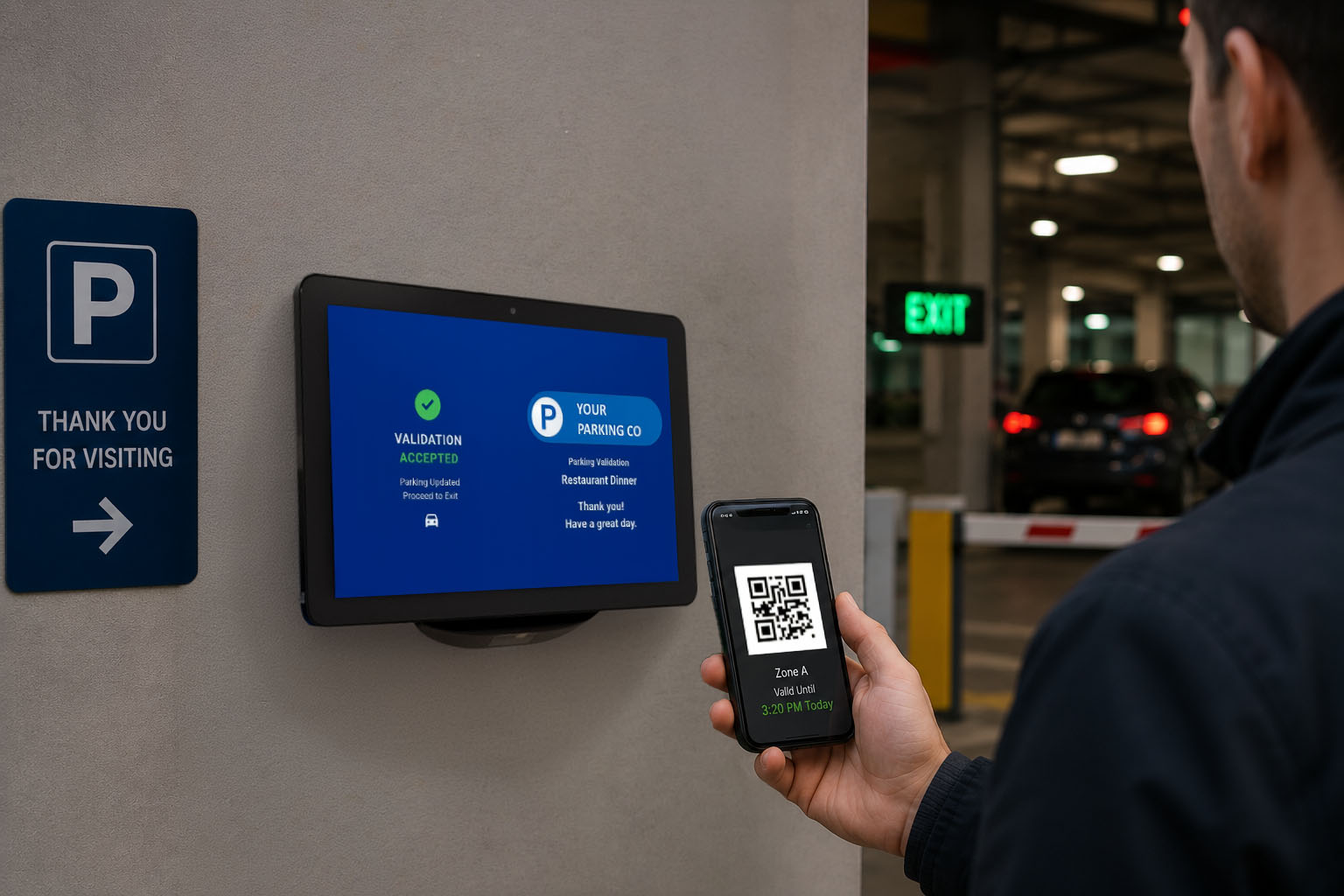
The netPark Validation Scanner is a customer facing scanning application that allows customers to self-validate their parking via an Android scanner terminal. The customers can scan their tickets directly, as well as email and/or text themselves validations if configured to allow it. Installing the Validation Scanner App Currently, the Validation Scanner App is designed to be side-loaded onto the Android scanner but will be available within the Google Play Store soon. Using the link below, download the Validation Scanner APK file. netPark Validation Scanner App Download Link: Download Here When downloading the APK, the app responsible for opening and running that APK installer is the web browser (e.g. Google Chrome). Therefore, the browser must be granted permission to act as an installer. The user can configure this using either a proactive method or a reactive method on the Android tablet. Method 1: The Reactive

Read More »

Time Validations

This article explains how to create Time Validations and what they are Time Validations are used to give customers free parking for a certain period of time. These Validations can be used only during certain times and days that are set up within netPark. These validations can also be linked to UVG’s making them one time use only.  Explanation of Validations The Duration is the amount of time in hours of parking that is covered.  The Start and End times are the hours when the validation can cover parking.  As stated in Validations Maintenance “By default, validations apply to end of stay. For Hourly Grid Rates, check “System Settings->Rate Calculation->Validate First Hours” to apply to beginning of stay.” When a validation is created it can be used an unlimited amount of times within the timeframes that are set.  Creating Time Validations 1. From the

Read More »

Contact us!

Phone Hours
(833) 638-7275
Monday – Friday: 10AM to 6PM EST
Emergency Support – 24/7 for business critical functions

Contact Us
Please use this form to contact us with any non-emergency comments, problems or inquiries. Be sure to provide details. If this is an emergency or requires immediate assistance, please call netPark Emergency Support.